
Create and restore backups in Enhance
Full backup management is available within Enhance. By default, we take two backups per day and keep backups on the server for a week. We also keep backups on Backblaze B2 for two weeks. Let us know if you need an older backup restored and we'll check Backblaze for it.
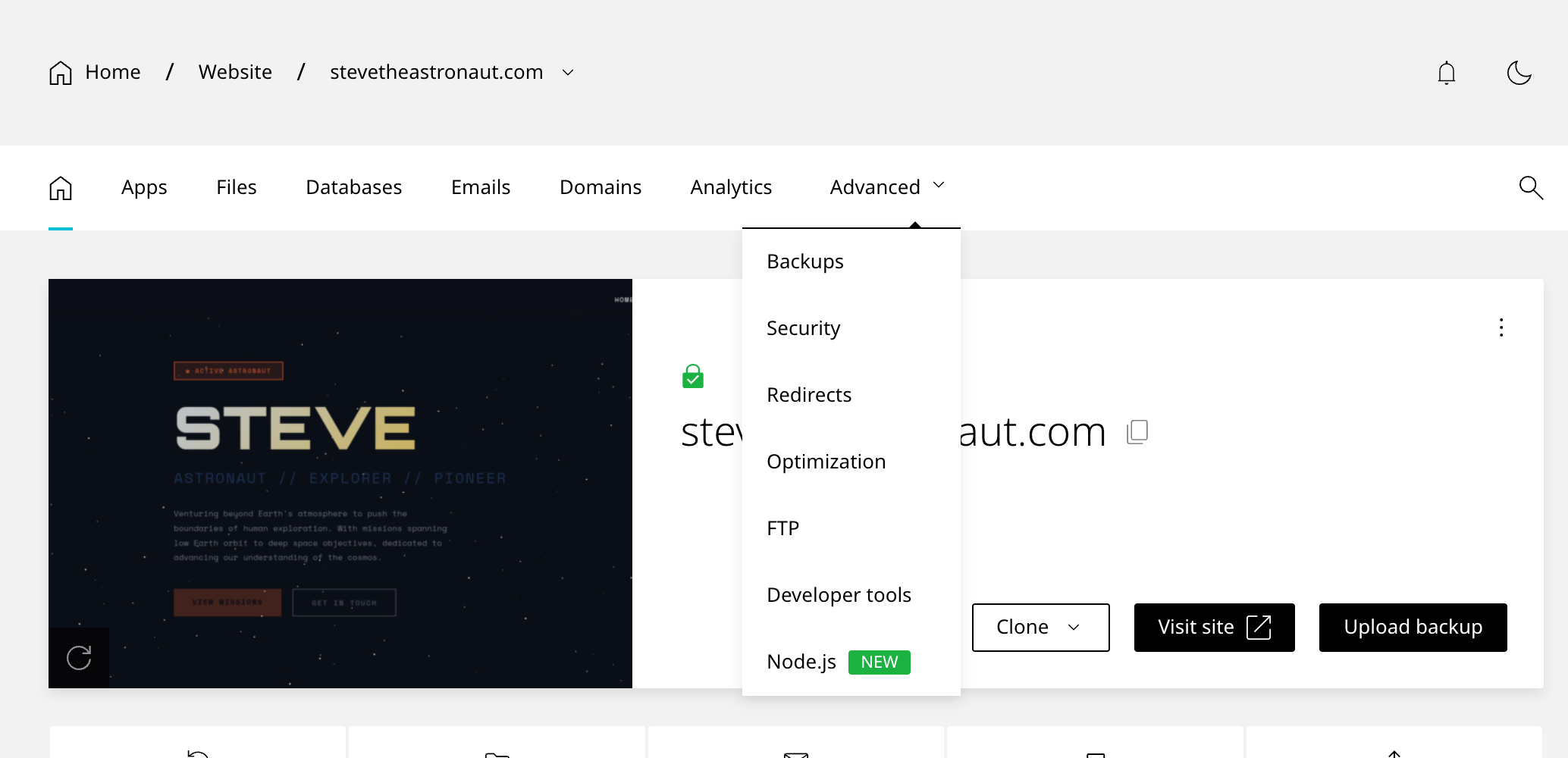
Backups can be accessed from the website menu under Advanced → Backups.
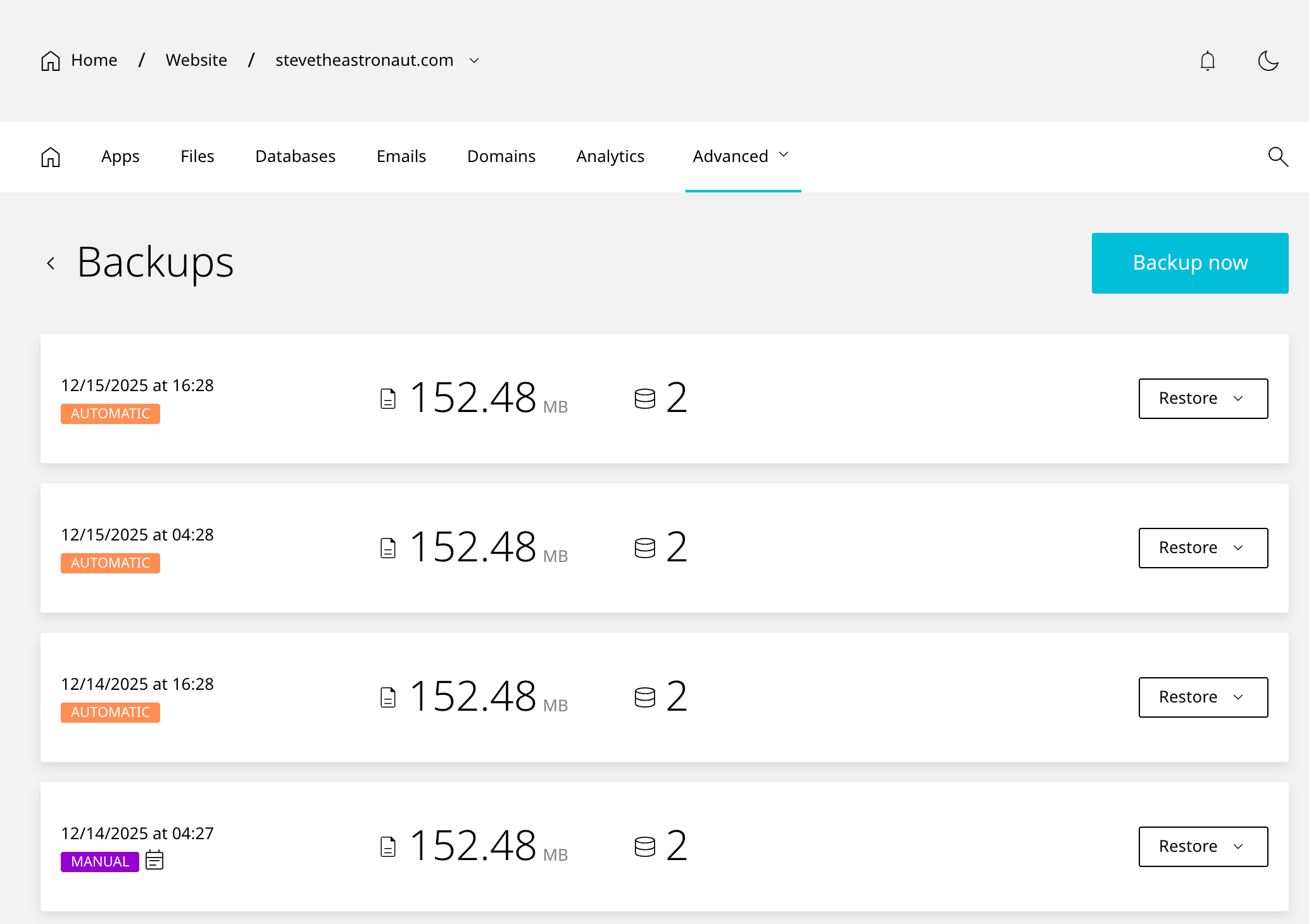
You'll see a list of backups with a restore button next to each one. Above the list is a button to create a manual backup. We recommend making a backup before doing anything crazy on a site.
Create a new backup
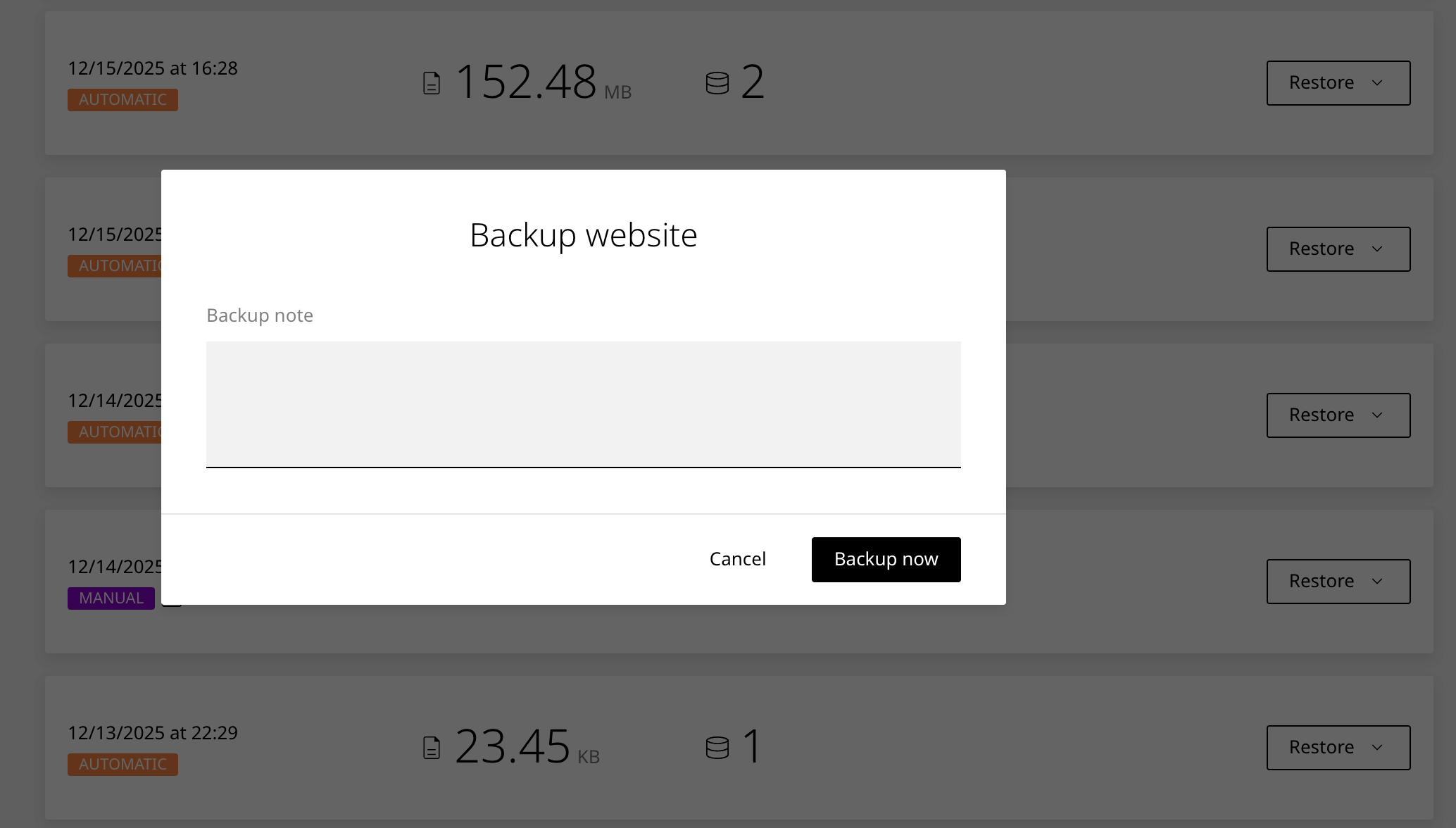
Clicking the Backup now button opens a window to enter a note for the new backup. Enter something useful like "Backup before updating plugins" and click the Backup now button in the window. This typically takes a few minutes, though larger sites may take up to half an hour.
Restore a backup
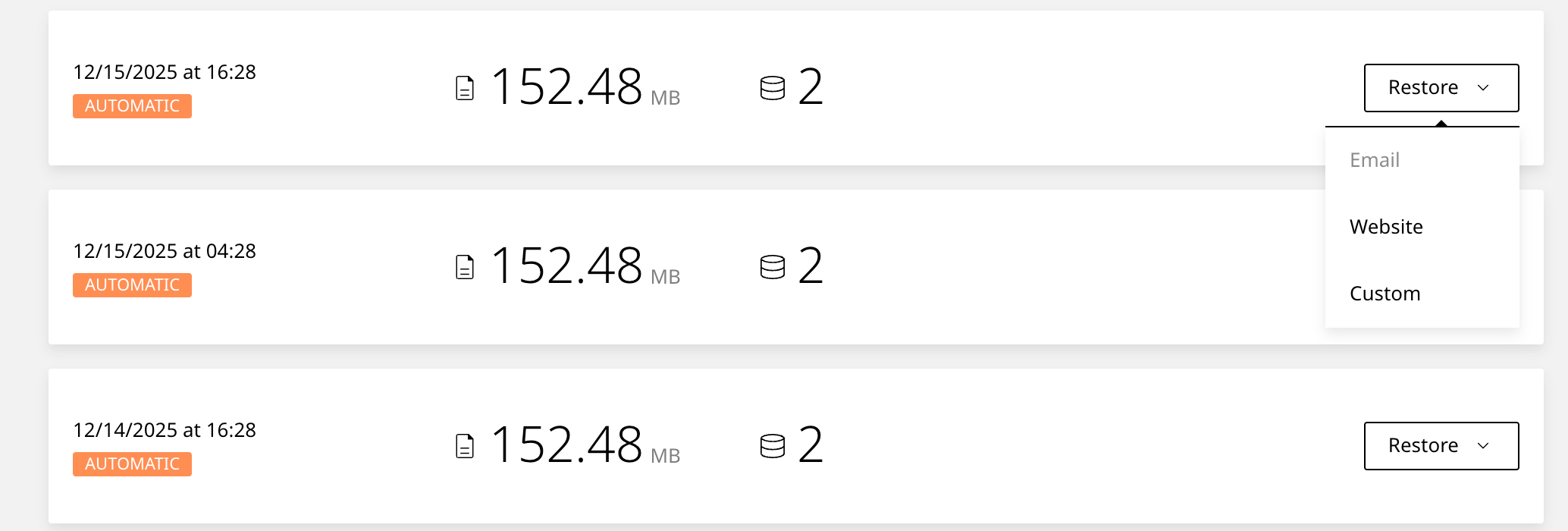
Click the Restore button to the right of a backup to view the restore menu. You can do any of the following depending on what data is available in the backup:
- Restore all email accounts
- Restore website (this will also restore all addon domains!)
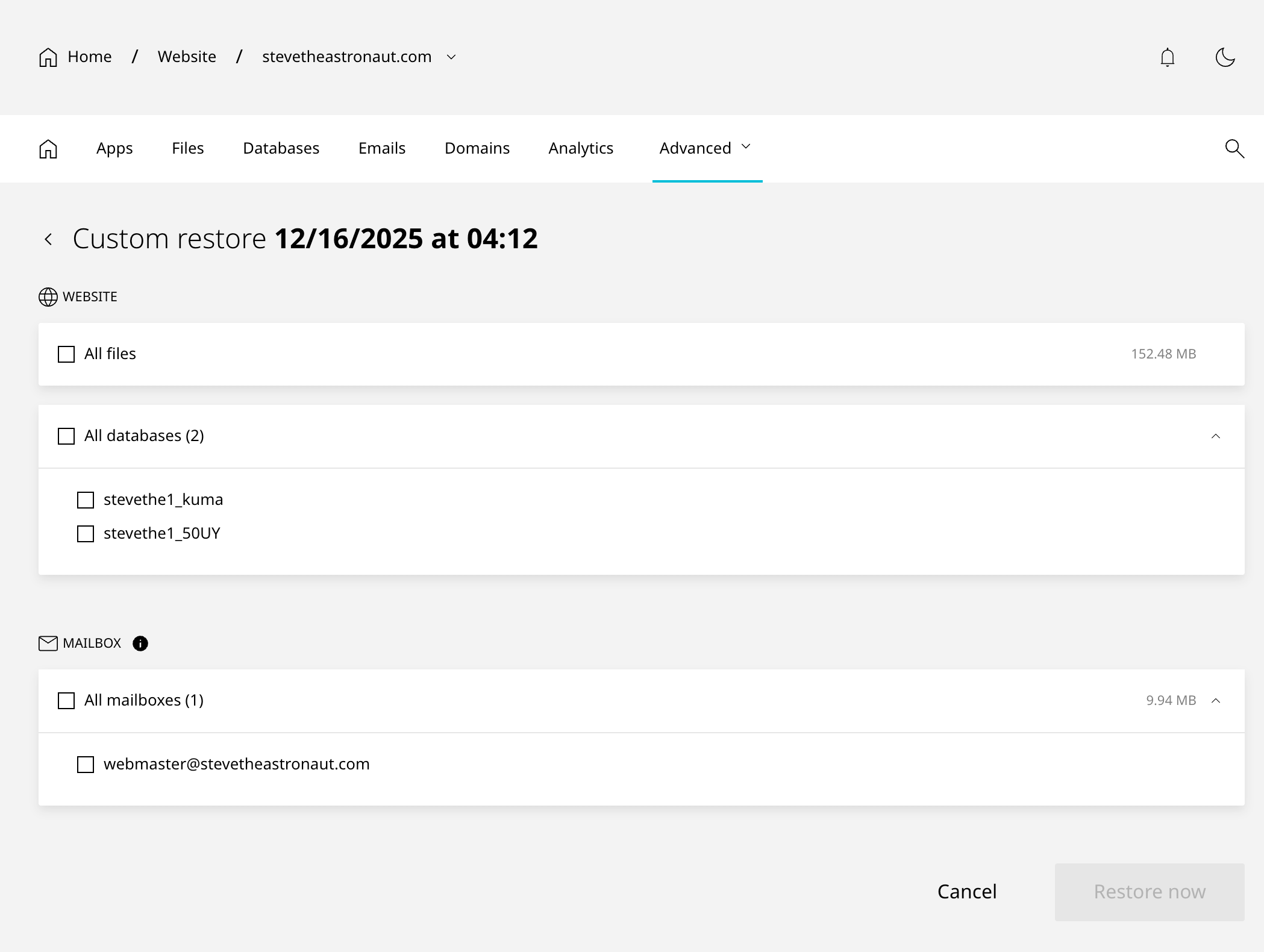
- Do a custom restore
Custom restores allow the selective restore of individual email accounts and databases. Right now, it's not possible to narrow down individual files to restore. Please contact us if you need this done.
That's it! It's easy to create and restore backups from Enhance. Let us know if there are ever any problems or if you need something that's not available from within Enhance (like selective files or downloading a backup).
Still need help? 🙋♂️
Response within 1 hour.